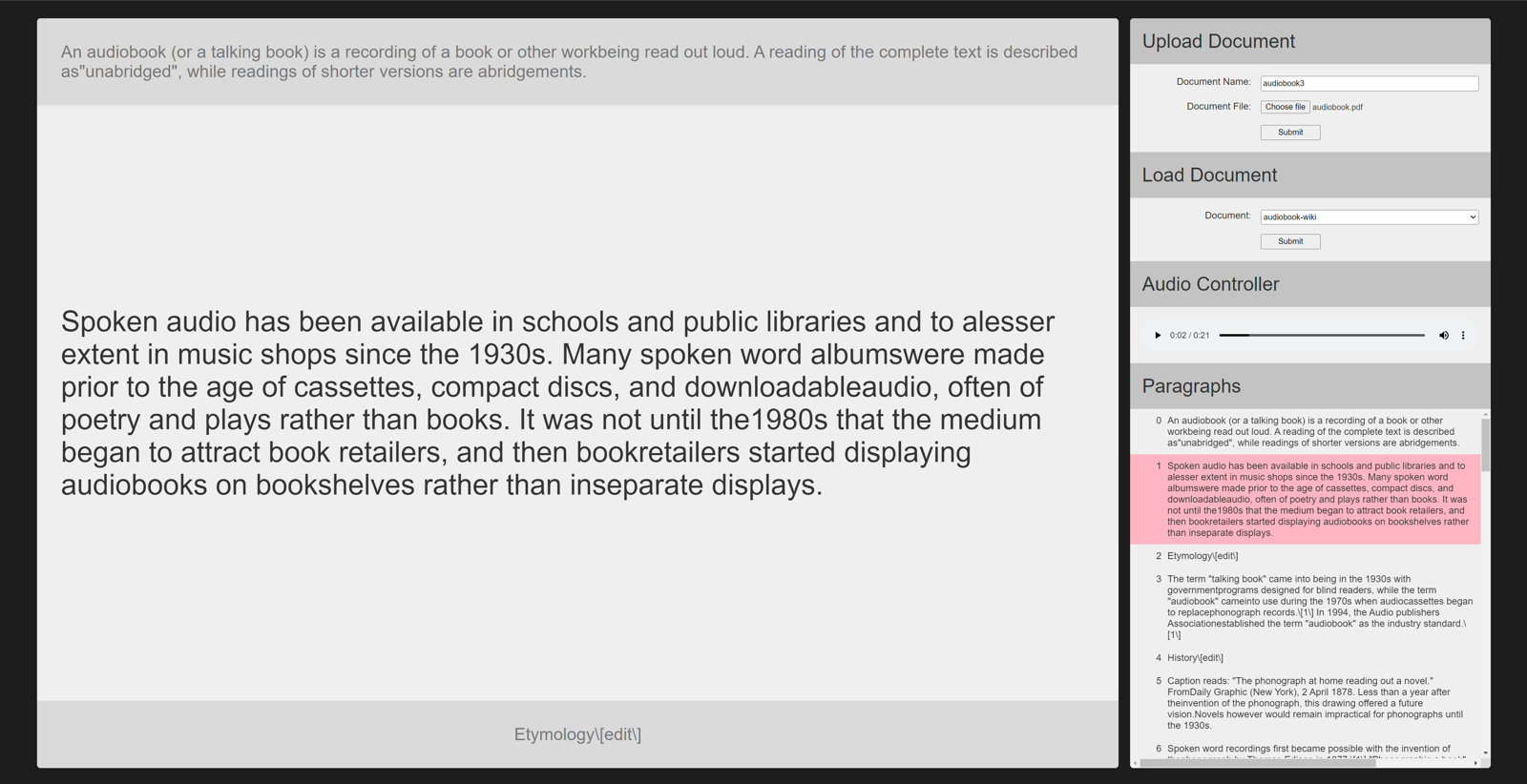
Turns a document into a set of spoken audio files, one per sentence, and gives you a small web console to upload documents and listen to the result like an audiobook. I wrote it to listen to long documents while doing something else with my hands.
Pipeline
A shell script converts the input (a .docx, .pdf, Markdown or plain text) to text and splits it into paragraphs and then sentences, writing each to its own numbered file. A Python script then runs text-to-speech over the folder and writes one audio file per sentence. Keeping the granularity at sentence level means a conversion can be resumed, a mispronounced sentence can be regenerated on its own, and the player can show you where you are in the text.
./split-document.sh --output-dir txt-split -- ./my_poetry.docx
python3 split-txt-to-tts.py --text-dir txt-split --output-dir audio-split
Web console
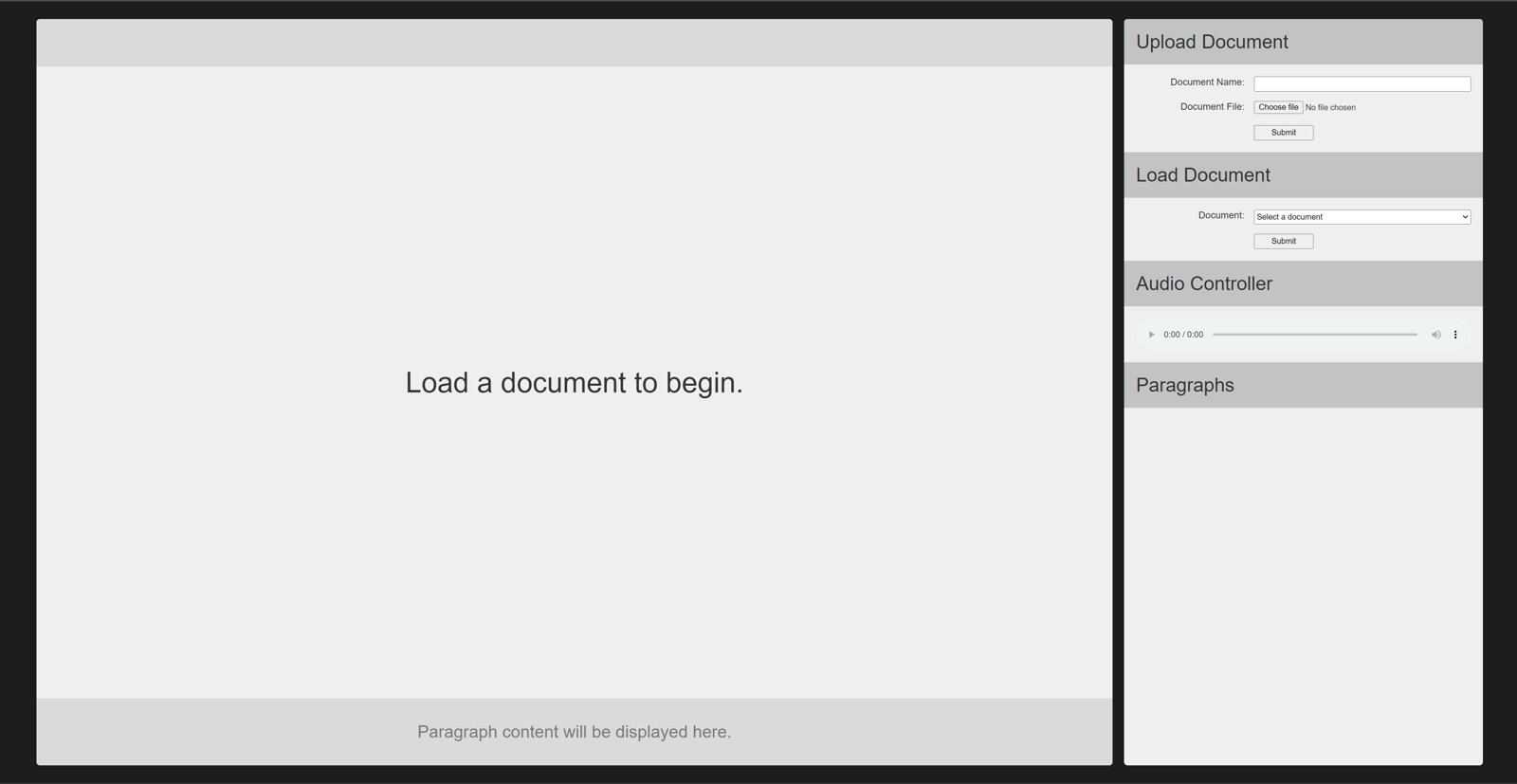
The web front end lets you upload a document, watches it go through the pipeline, and then plays the sentences back to back with the current one highlighted, so it reads along with you.