Description
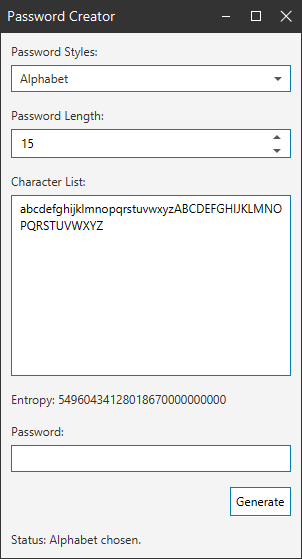
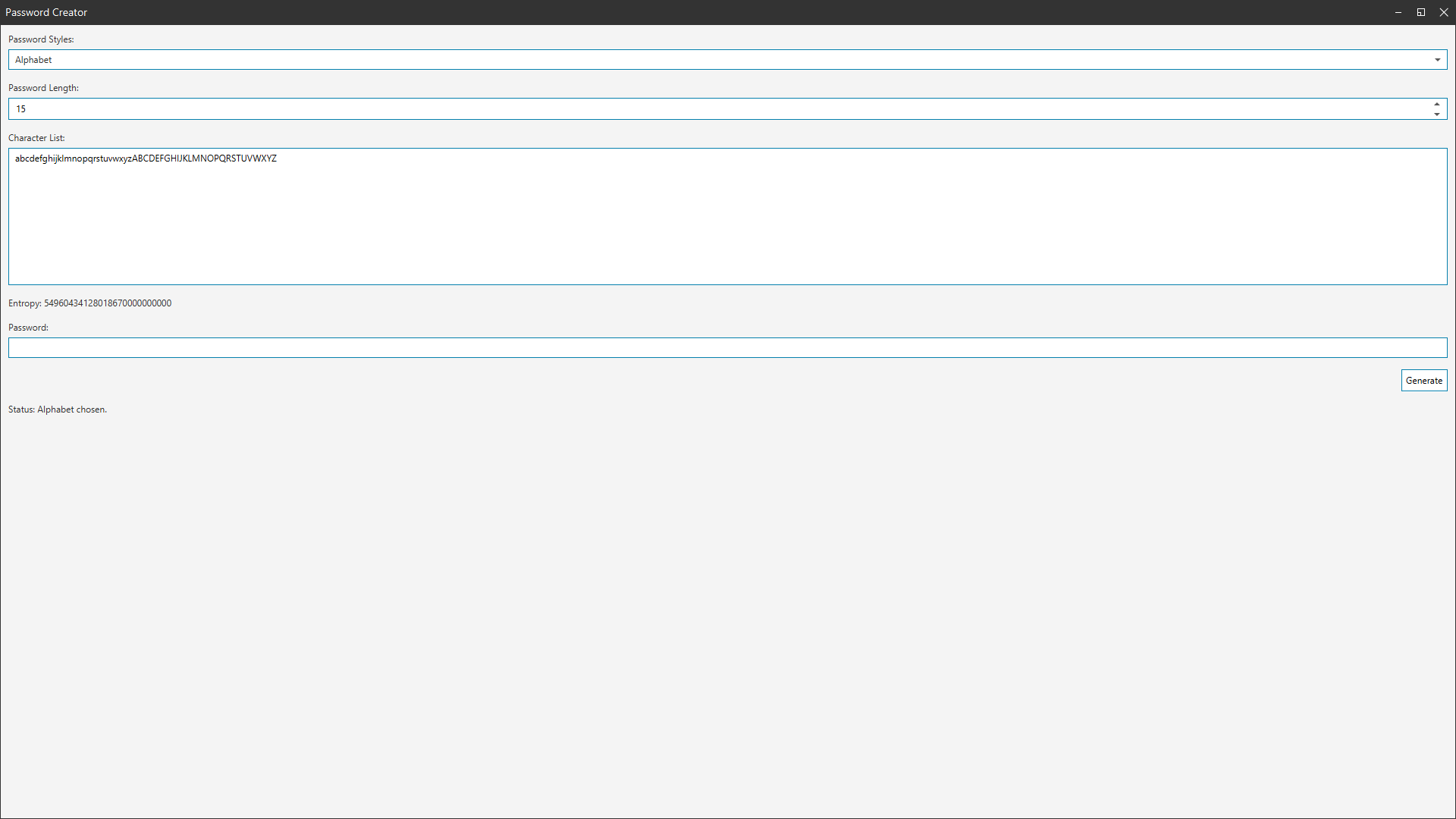
This project is a simple way of creating custom window decorations in JavaFX. The premise is that a BorderPane becomes the root node in an undecorated window. This BorderPane can then be styled via the CSS engine. The files provided with this project will show that all you need to do is create a new CustomWindow object and pass in the Stage object. The rest is taken care of for you.
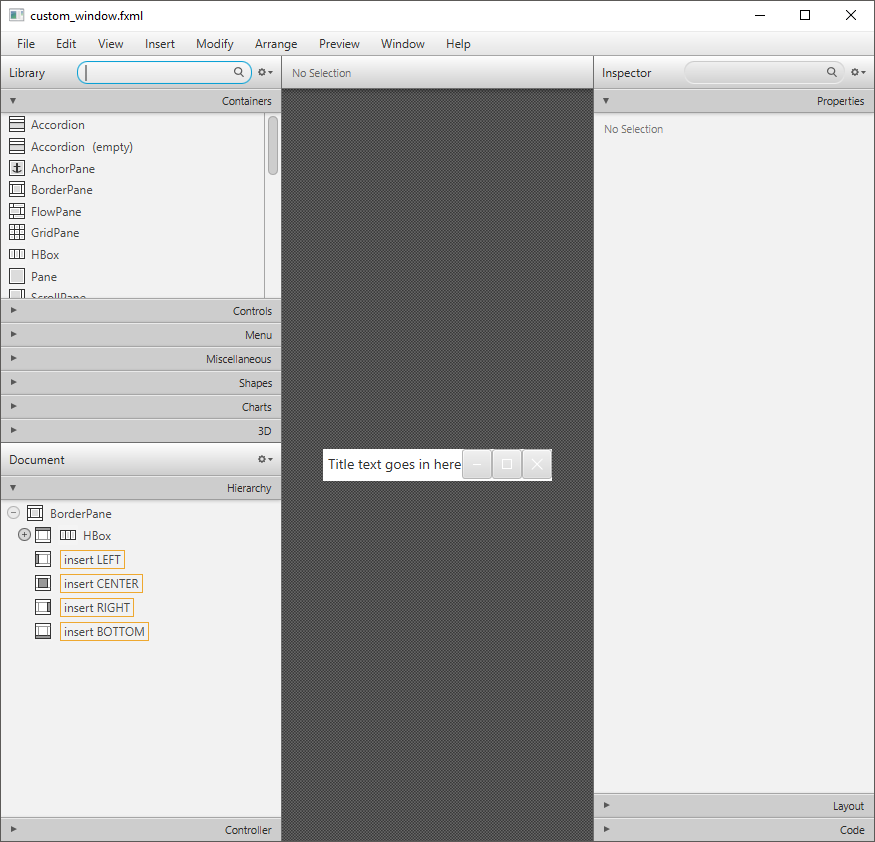
The basic frame can easily be edited with the Scene Builder or by editing the FXML file directly. This allows for a flexible amount of control when using this project. The default is the 3 control buttons, (minimize, maximize and close) as well as the title of the window. However, some of the features might have to be set in a way that is unconventional compared to ordinary JavaFX projects. This is due to this being an experimental project as of now. There are also some features of these custom windows which are missing such as resizing the window from its sides and corners. Fortunately though, it is very easy to add to a project. Just use the following as a reference.
// Add information to the window
Parent content = FXMLLoader.load(getClass().getResource("password_layout.fxml"));
String css = getClass().getResource("password_style.css").toString();
content.getStylesheets().add(css);

// Create the custom window
CustomWindow window = new CustomWindow(primaryStage);
window.setTitle("Password Creator");
window.setContent(content);

primaryStage.setScene(new Scene(window));
primaryStage.show();